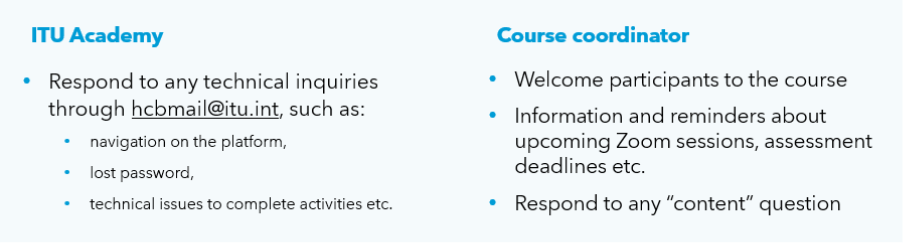
Participants receive a number of automatic administrative emails from the platform regarding their registrations and payments. It is the responsibility of the course coordinator and instructor, however, to communicate relevant information about the course content and delivery.
Contacting participants before enrolment (dates changed, information required, logistics etc.): use the email addresses of the participants. This information can be downloaded from the course participant list.
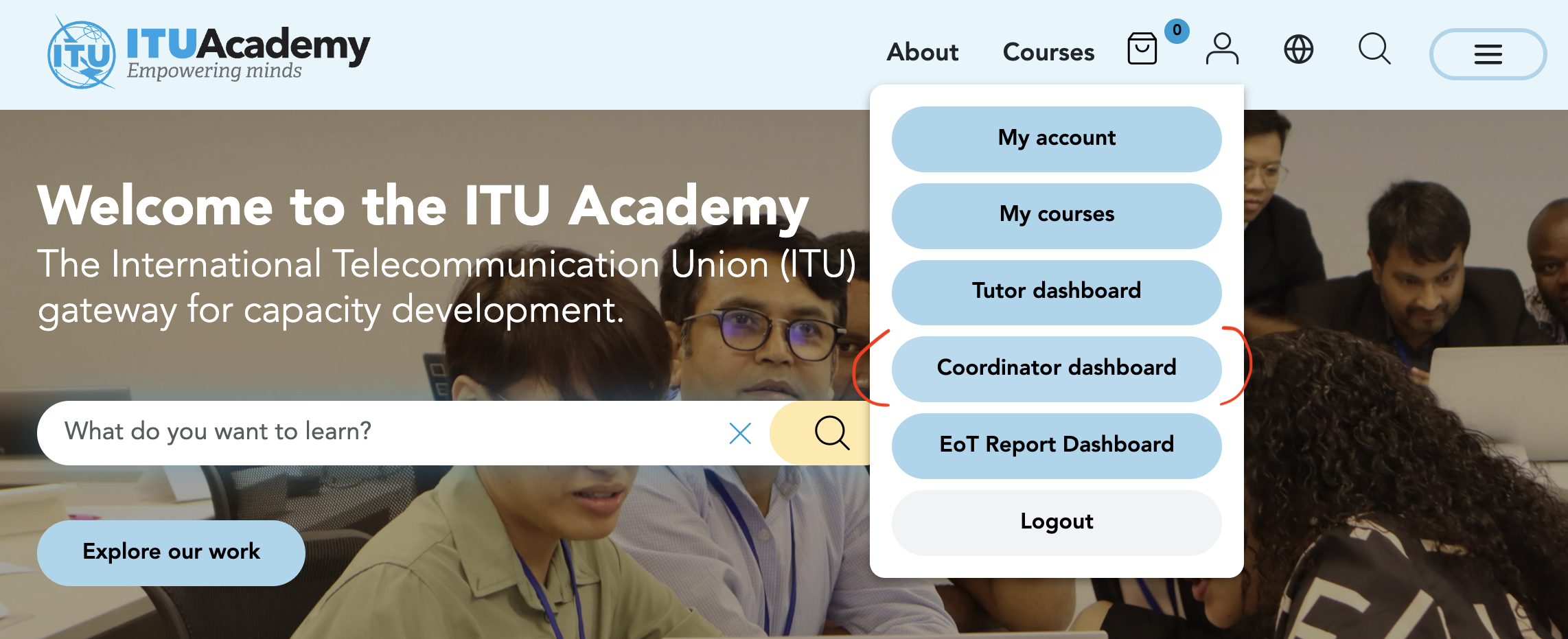


Contacting participants after enrolment: use the course learning (Moodle) page to either:
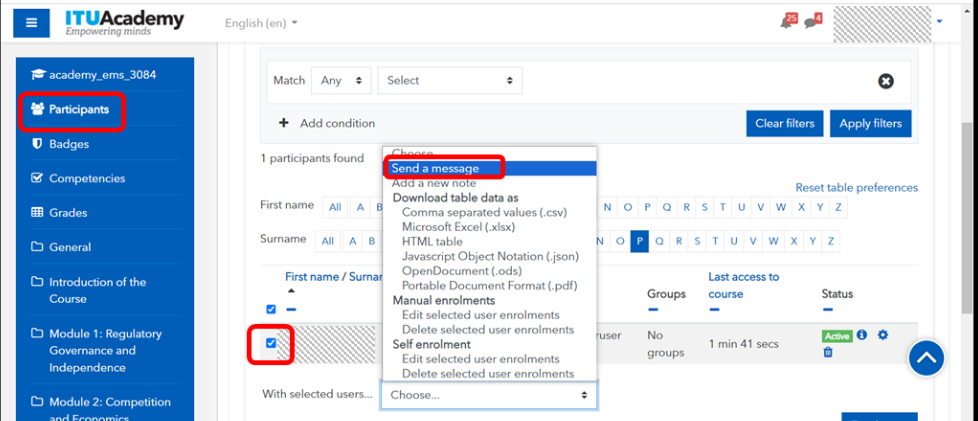
- Send a message to a specific participant:
- From your course page, click on "Participants”.
- Locate and select the studentparticipant(s) you want to message from the list.
- Select the option "Send a message" at the bottom of the page
- Compose your message in the provided text box.
- Click "Send message”
Send a message to all through the “Announcement” forum: the announcement forum is a standard feature common to all ITU Academy courses. It can be used to send relevant reminders to participants throughout the course.

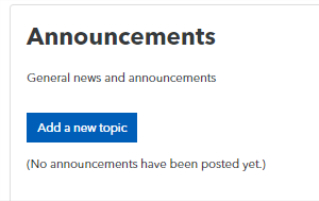
- Add a new topic
- Add the message (reminders such as live session should include clearly the date, time and where to access the session)
- Post either:
- Immediately with “Post with no editing time delay”
- At a later time: through the display period function, participants will receive a notification at the moment you set for “Display start”. It is very useful to schedule all reminders before the course starts.


- Discuss with participants through the course forums: answering questions, moderating participants responses.